On this page
A downloaded PDF can look convincing while belonging to a different process or an earlier edition. Before filling it in, connect it to its official publication page and the instructions for the task you are carrying out.
Court Judiciary's task index can help locate documents about a subject. Its collections are based on published titles, not a determination that a particular instrument applies to your situation.
Identify the document precisely
Write down the form reference, complete title, issuing body and any edition date printed on the document. Keep the page from which you obtained it. If you only have an attachment with no publication page, mark the provenance as unresolved.
For HMCTS material, the official court and tribunal forms collection provides categories and a search by title or form reference. Use that route to find the publisher's page rather than relying on a search-result snippet or a copied attachment.
Do not assume a form from one court service belongs to another. The official court-finder gateway explains its coverage and links to the Scottish and Northern Irish services. Confirm the court system and process before interpreting a similar-looking title.
Compare the copy and publication page
Here is an original comparison sheet:
| Check | Your copy | Official publication |
|---|---|---|
| Form reference and full title | Copy exactly | Compare both |
| Issuing body and stated scope | Record what is printed | Read the page's description |
| Edition or revision | Record it, or “not shown” | Inspect the linked document and update notes |
| Completion guidance | What came with the copy? | Open the accompanying instructions |
| Submission route | Do not infer from the filename | Check the instructions for this process |
An update date on a collection page is not necessarily the edition date of every form in it. Inspect the individual publication and its linked file.
Resolve differences without guessing
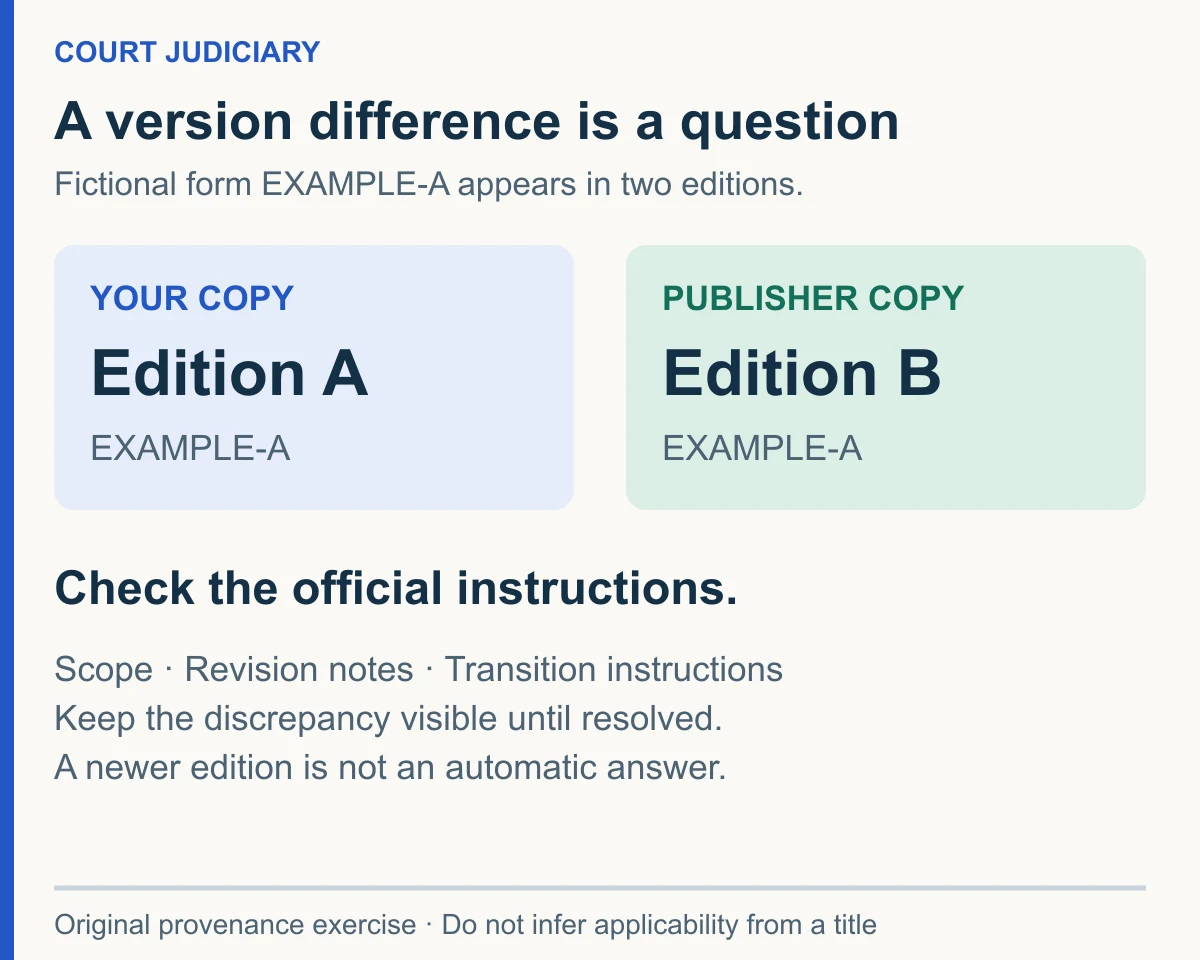
Suppose a fictional form reference “EXAMPLE-A” appears on both copies, but one shows “Edition A” and the other “Edition B”. You have found a version difference. You have not yet established whether the difference affects your task, whether there are transition instructions or whether the newer copy is the correct one for an existing case.
Read the official update notes and relevant instructions. If they do not answer the question, seek clarification through the court's verified contact or an appropriately qualified adviser. Keep both copies and a note of the difference while resolving it. Do not silently alter or discard material already connected to a case.
Keep proof of the check
Save the official URL, retrieval date, document reference and the specific instructions you relied on. Record unresolved questions plainly, especially if they concern a deadline or filing route. A matching form title does not prove that those requirements have been met.
The Court Judiciary reference identifies itself as independent of the court services. Use it to find sources; use the official publication and case-specific directions to establish the instructions you need. This worksheet checks a document's provenance and consistency. It does not decide which claim to bring or guarantee acceptance of a filing.