On this page
Give each entry in your shortlist a job. “A tool for drafting my weekly customer update” is a more useful note than “a good AI tool”: it tells you what to test again when the product, price or your requirements change.
Here is a small maintenance method you can use without keeping a catalogue of every product on the market. It is an editorial suggestion, not a tested productivity claim.
Keep a record of the task and the evidence
Use one row per candidate. Our suggested fields are:
| Field | Example entry for a fictional candidate |
|---|---|
| Job | Turn three supplied facts into a short customer email |
| Essential requirement | Preserve dates and add no unsupported explanation |
| Evidence | Saved brief, response and marked corrections from a dated trial |
| Access | Plan and settings actually used, with unknowns labelled |
| Cost record | Official pricing URL and date checked |
| Next check | Before purchase or when a relevant feature changes |
The example describes a record to create; it is not evidence that any named tool meets the requirement. Keep the trial output with the row so “worked well” can be traced to what happened.
Use a directory to discover candidates
Best AI Tools Wiki lists tools under categories including writing, coding, audio and video. Its comparison index links pairings within those types of work.
Pick the category matching your task, then verify the details that matter on the candidate's official site and in your own available account. A directory description can suggest something to investigate; it is not a record of a test you performed.
Keep the shortlist small enough that you can explain each inclusion. An entry without a particular job or supporting observation can stay in a separate “to investigate” list.
Recheck the part affected by a change
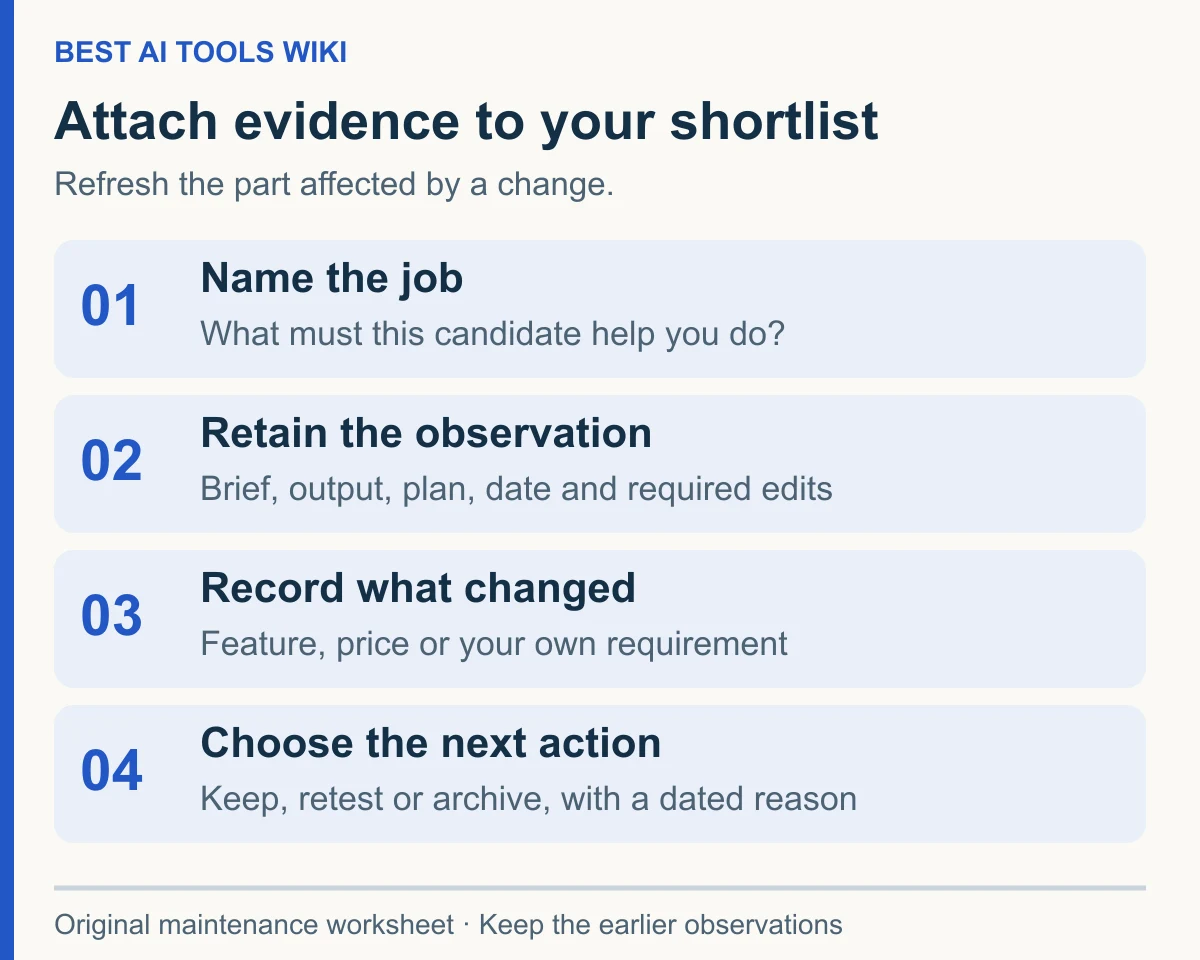
Suppose your fictional candidate originally produced a document you could download and edit. You later notice a plan notice suggesting that export access has changed. Your question is specific: can your current account still produce the editable output your task needs?
Record the notice's date and URL, check the current official plan information, and repeat that part of your original exercise. Keep the new output beside the earlier one. If access is unavailable, record that limitation without guessing how another plan behaves.
For a price change, refresh the cost record and billing assumptions. For a change in your own requirements, write a new brief. These are separate checks; a fresh price quote does not refresh an old quality observation.
Make decisions visible without erasing the history
Give each entry one of three labels: keep for this task, retest before use, or remove from the active shortlist. Add a date and a short reason. These labels are your working decisions, not recommendations to other readers.
For example: “Retest before use: the saved trial did not include the export format now required.” That explains the gap and the next action. “No longer the best” does neither.
Archive removed entries with their notes. When you revisit a candidate, the old evidence can show what changed while remaining clearly separate from the new observation.