Why the Shared vs VPS Question Matters More Than It Looks
Most developers encounter this decision at two uncomfortable moments: right before launching something new when they have no performance data to guide them, and in the middle of a traffic spike when they wish they had made a different call six months earlier. Getting the tier wrong in either direction is costly: either you overpay for resources you do not use, or you run into resource contention at exactly the wrong time.
The honest answer is that neither tier is universally superior. Each one is well-matched to a specific band of workload characteristics, and the right choice depends on where your project sits on the stage ladder today, not where you hope it will be in three years.
What Shared Hosting Actually Gives You (and Takes Away)
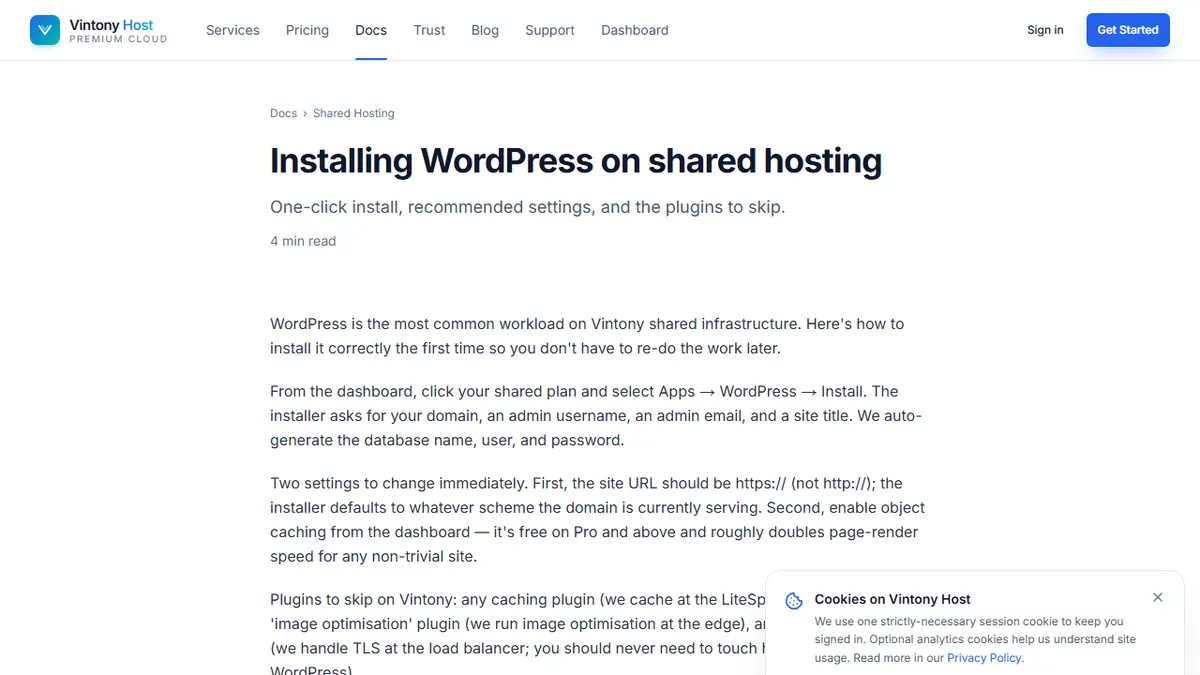
On a shared server, you are renting a portion of a machine that dozens or hundreds of other accounts also occupy. The hosting provider handles every layer of the stack below your application: the OS, the web server, PHP runtime updates, security patches, and hardware replacement. That operational coverage is the primary value of shared hosting. You deploy code and the infrastructure looks after itself.
The trade-off is resource flexibility. CPU time, memory, and I/O are pooled across tenants, which means a misbehaving neighbour can affect your response times. You cannot tune kernel parameters, install arbitrary software, or control how the runtime is configured beyond what the control panel exposes. For sites that fit the intended use case (marketing pages, WordPress blogs, low-traffic apps), those constraints rarely surface. For applications with unpredictable traffic patterns or specific runtime requirements, they surface frequently.
Modern shared hosting on all-NVMe infrastructure is meaningfully faster than the spinning-disk shared hosting of a decade ago. The latency profile has improved enough that well-optimised WordPress or static sites will deliver good performance without a VPS. The ceiling, however, remains lower than what dedicated resources provide.
What a VPS Gives You: Root Access, Dedicated Resources, Full Control
A VPS carves out a fixed allocation of CPU, RAM, and storage from a physical host using hardware-level virtualisation. Unlike shared hosting, your allocation does not fluctuate based on what other tenants are doing. A 4 vCPU, 8 GB RAM VPS has those resources available to your workload regardless of what runs alongside it.
Root access means you choose the operating system, configure the network stack, install any software, and tune the environment to match your application's requirements. You can run custom cron jobs, deploy queue workers, install monitoring agents, and compile software from source. The operational responsibility that shared hosting absorbs falls back to you. But with that responsibility comes complete control.
This is the correct tier for applications that need specific runtime configurations, custom software dependencies, more RAM than shared hosting provides, or guarantees around resource availability during peak load.
The Stage Ladder: Hobby Project to High-Traffic Service
Think of hosting tiers as rungs on a ladder that correspond to distinct workload stages.
Stage one is the hobby project or early prototype: a side project getting a few hundred visits a month, a portfolio site, a proof-of-concept with no SLA requirements. Shared hosting at the Basic tier is genuinely the right call here. The cost is low, the operational overhead is zero, and the constraints will not be visible at this traffic level.
Stage two is the early production application: a real product with paying users, a client site that needs daily backups and staging environments, or a WordPress installation that publishes regularly and gets a few thousand visits a day. Shared hosting Pro tier handles this well — the staging environments and daily backups matter, and the NVMe infrastructure absorbs moderate traffic comfortably.
Stage three is the growth-stage application: a Laravel or Next.js app with meaningful concurrent users, a database that needs tuning, queue workers processing background jobs, or a service where response-time predictability affects user retention. This is the entry point for VPS hosting. The Growth tier at 2 vCPU and 4 GB RAM is the most popular starting point for this stage because it provides enough headroom for most production workloads without the cost of a larger instance.
Stage four is the high-traffic service: tens of thousands of daily active users, compute-intensive operations, or architecture that separates the web tier from the database tier. VPS Business and Enterprise tiers, or a move to dedicated servers, becomes appropriate here.
Five Signals It Is Time to Graduate from Shared to VPS
Watching for the right signals saves you from making the move too early or too late. The five clearest indicators are:
First, you start hitting memory limits on shared hosting and your host's dashboard shows the application being terminated and restarted. Second, you need to run a persistent queue worker and shared hosting cannot support a long-running process. Third, your application has an unusual software dependency that the shared environment does not support. Fourth, response time variability increases at certain hours in a pattern that correlates with other tenants being active. Fifth, you need a staging environment that mirrors your production configuration exactly, including database version and runtime parameters.
Any one of these is sufficient reason to make the move.
Cost Comparison at Each Stage
At stage one, a shared Basic plan at around $6 per month is hard to beat. The equivalent on a VPS Starter tier runs $8 per month, and you absorb the operational overhead of managing the stack yourself.
At stage two, shared Pro at $12 per month versus VPS Starter at $8 per month is actually a closer comparison than it appears, because shared Pro includes managed daily backups, staging environments, and an unlimited sites allowance that VPS Starter requires you to build yourself.
At stage three, VPS Growth at $15 per month provides dedicated resources that shared Business tier at $25 cannot match in terms of resource predictability, even though the headline storage allocation is larger on shared.
The crossover point where VPS clearly wins on total cost — including engineering time — is stage three and above.
Making the Final Call: A One-Page Decision Checklist
Before choosing your tier, answer these questions honestly. Do you need to run persistent background processes? Do you require a specific PHP, Node, or Python version that the shared control panel does not expose? Is your application's memory footprint consistently above 512 MB? Do you expect concurrent user sessions at peak load that exceed what shared infrastructure can absorb without contention?
If most answers are no, shared hosting serves you better than its reputation suggests. If most answers are yes, a VPS is worth the additional operational overhead.
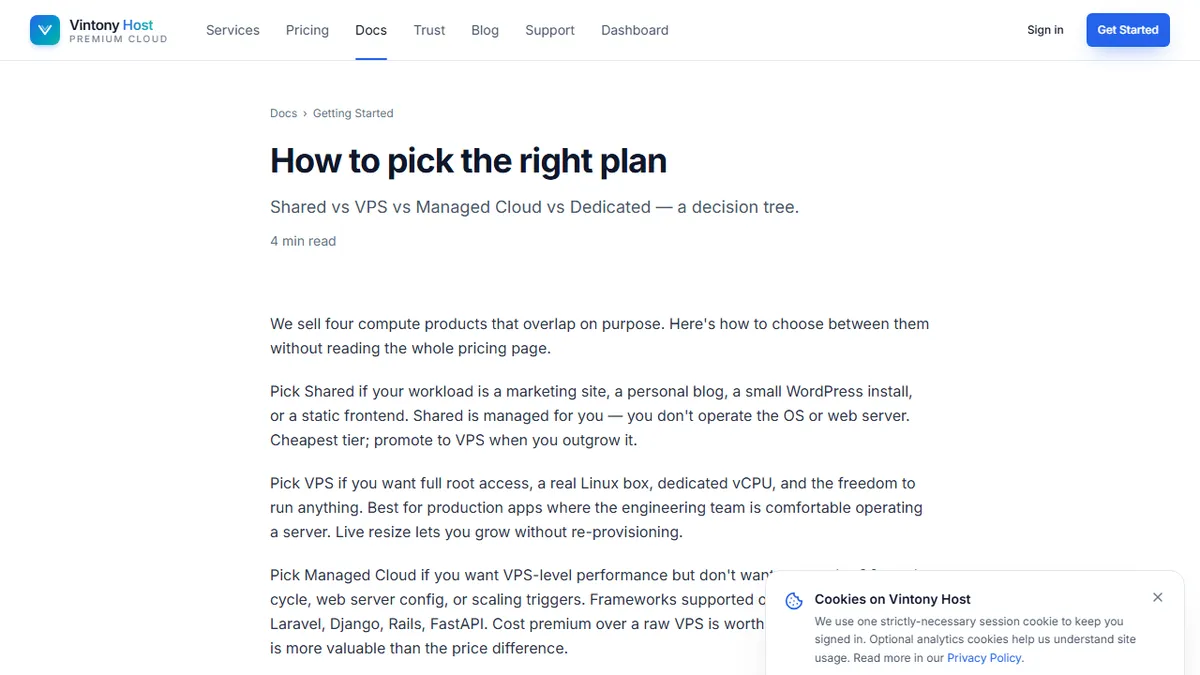
The step-by-step plan selection walkthrough walks through each plan's feature set in detail and includes a configurator that maps your answers to a specific tier recommendation — useful if you want a second opinion after working through the framework above.