What 'Open-Weights' Actually Means (and What It Doesn't)
The term "open-source" gets applied to AI models in ways that would make the Free Software Foundation wince. What most people mean when they say a model is open-source is actually something narrower and more specific: the trained weights (the billions of numerical parameters that encode everything the model has learned) have been released for public download.
That is enormously valuable. It means you can run the model on your own hardware, inspect its outputs without sending data to a third party, and in many cases fine-tune it on your own dataset. But releasing weights is not the same as releasing the training code, the training data, or a reproducible recipe that lets someone else build the identical model from scratch. Most models described as open-source do none of those things. They release the finished product but keep the factory private.
The phrase "open-weights" is more accurate and increasingly preferred by people who care about these distinctions. When you see it in this guide, it means: the parameter file is downloadable and can be run locally.
Open-Source vs. Closed API: The Real Trade-offs
Running a closed API model means sending your prompts to a provider's server and receiving completions in return. That is fast to set up and requires no infrastructure, but it comes with meaningful constraints. Your data leaves your control. You pay per token with no ceiling. The model can be deprecated, price-changed, or modified at any time with little notice. And for highly regulated industries (healthcare, legal, financial services), the data residency question alone can make a closed API a non-starter.
Open-weights models invert those constraints. Your data stays local. Inference cost is hardware amortisation rather than per-token metering. The model you deploy today will still behave identically in three years because you control the weights. The trade-off is that you take on the infrastructure burden: serving, scaling, monitoring, and updates all become your problem.
For production applications where privacy, cost predictability, or compliance matter, the case for open weights is strong. For quick experiments or applications with low data sensitivity, a closed API is usually simpler.
The Five Model Families Every Beginner Should Know
You can spend weeks cataloguing the open-weights landscape, but for a beginner, five families cover the vast majority of practical use cases.
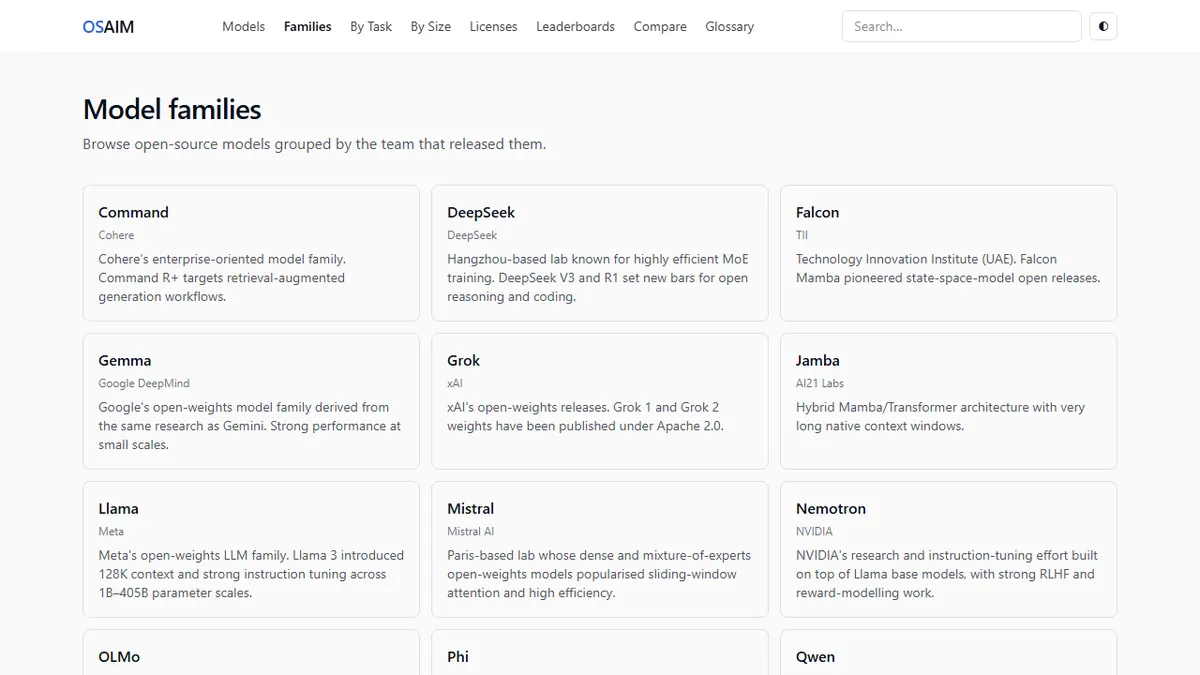
Meta's Llama family is the centre of gravity for the entire ecosystem. Llama 3.3 70B is the current production-grade flagship for most teams, and the 8B variant is the most widely-deployed model in the world for local inference. To browse all open-weights model families in one place is to notice how many others build on or compare themselves against Llama.
Mistral AI's models introduced sliding-window attention and demonstrated that a European research team could match or beat American labs on efficiency. Mistral 7B remains an excellent starting point, and Mixtral 8x7B showed the community what mixture-of-experts could do at consumer-grade scale.
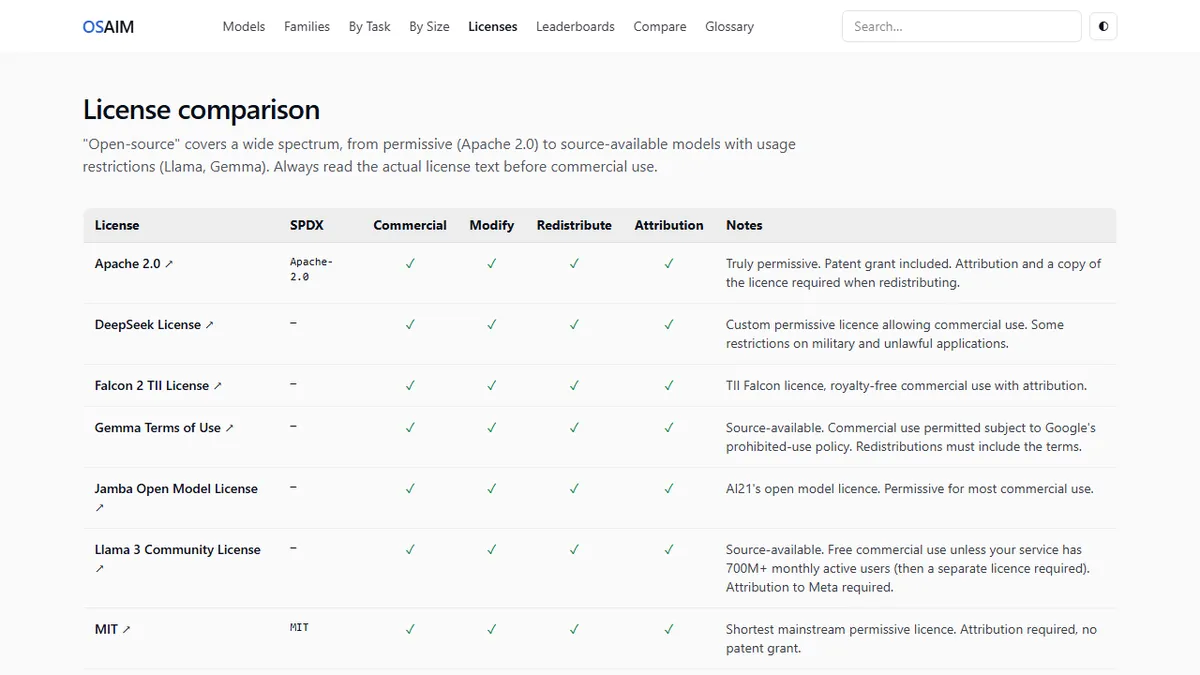
Alibaba's Qwen2.5 family swept open benchmarks in late 2024 with models ranging from a compact 0.5B to a powerful 72B, nearly all under Apache 2.0. Microsoft's Phi-4 proved that a 14B model trained on carefully curated synthetic data can outperform much larger models on reasoning tasks. And Google's Gemma series offers well-documented, commercially usable options with strong support from the broader tooling ecosystem.
How to Pick Your First Model Based on Hardware
The question beginners most commonly get wrong is trying to run a model that doesn't fit their hardware. The constraint is VRAM (video memory) and it is non-negotiable. A model that doesn't fit in VRAM will either refuse to load or offload to system RAM at speeds that make it practically unusable.
A rough guide: if you have a GPU with 24 GB of VRAM, you can comfortably run a 13B model at full fp16 precision, or a 70B model at 4-bit quantization. With 12 GB of VRAM, an 8B model at fp16 or a 13B model at Q4 is your practical ceiling. Mac users with 32 GB of unified memory sit in a surprisingly good position: Apple Silicon shares memory between CPU and GPU, and the MLX inference framework makes 32B models genuinely usable.
If you are CPU-only, the ceiling drops sharply: models under 8B with aggressive quantization are the realistic options.
Running Your First LLM Locally in Under 15 Minutes
The fastest path to a working local LLM is Ollama, an open-source tool that handles model downloading, format conversion, and a simple API in a single install. On any platform, the process is: install Ollama, run a pull command to download your chosen model, and start the chat interface or point your application at the local API.
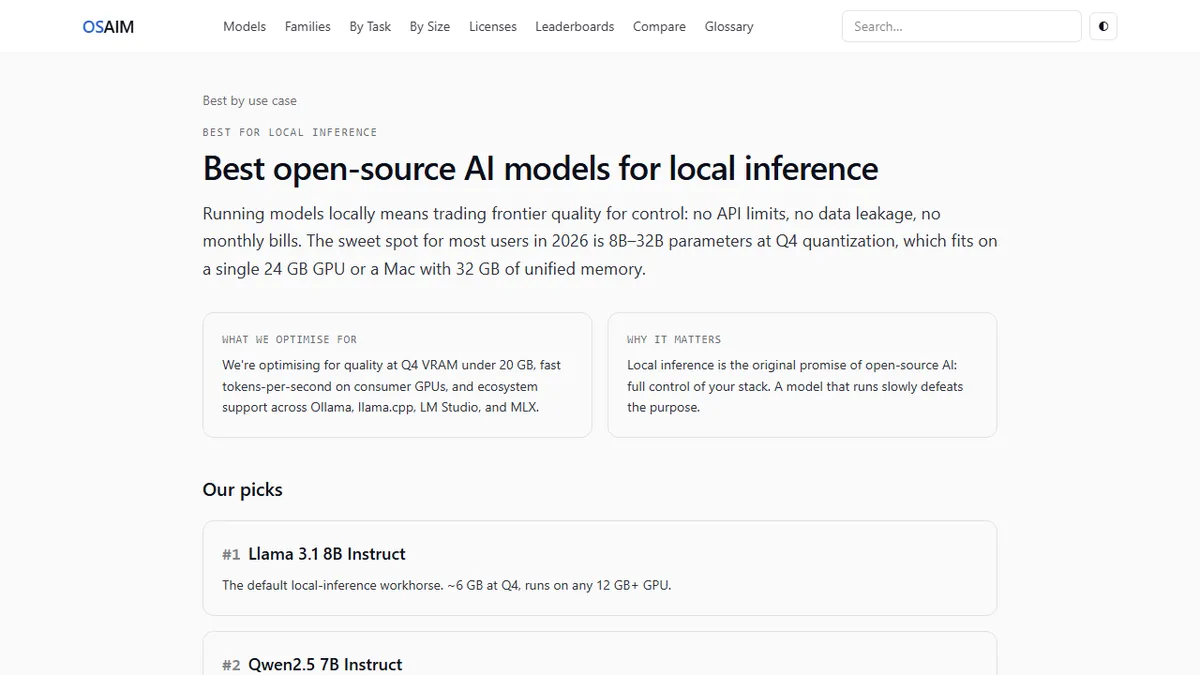
For a first model on a typical consumer machine, Llama 3.1 8B is a sensible choice: it fits in 6 GB of VRAM at Q4, has excellent ecosystem support, and gives you a realistic sense of what modern open-weights models can do. The whole setup (download included) takes roughly ten minutes on a decent internet connection.
Common Beginner Mistakes and How to Avoid Them
The single most common mistake is skipping the VRAM check and downloading a model that won't fit. Always calculate the VRAM requirement before you start: multiply the parameter count in billions by 2 for fp16 (so a 70B model needs roughly 140 GB), or by 0.6 for Q4 quantization (about 42 GB for the same 70B). Compare that number against your available VRAM before touching the download button.
A close second is conflating the base model and the instruction-tuned variant. Base models predict the next token in a document. They are not designed to follow instructions and will produce unexpected outputs if you treat them like a chat assistant. Always reach for the "-instruct" or "-chat" variant for conversational use.
Finally, beginners often assume that bigger always means better. A well-quantized 8B model running on hardware where it fits comfortably will produce faster, more usable output than a 70B model grinding through memory offloads. Right-sizing to your hardware is as important as model selection itself.