What a Wallet Drainer Actually Is
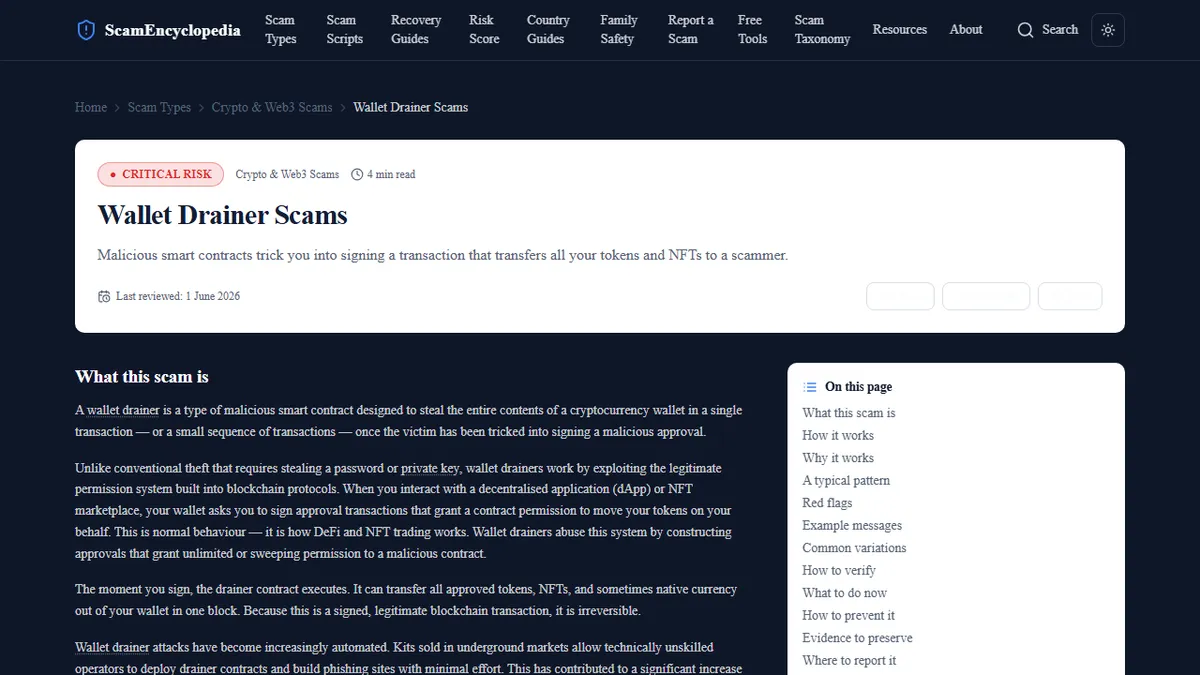
A wallet drainer is a malicious smart contract (a self-executing programme deployed on a blockchain) designed to transfer assets out of your wallet the moment you approve a transaction with it. The name describes what happens: once approval is granted, the contract systematically sweeps your tokens, NFTs, and in some implementations your native currency balance, transferring everything to addresses controlled by the attacker.
The critical distinction from other forms of crypto theft is that no one hacks your wallet directly. Your private keys are never compromised. Instead, you willingly sign a transaction that grants a malicious contract permission to act on your assets. From the blockchain's perspective, every transfer is authorised. That is exactly why detailed reference on how wallet-draining contracts target crypto holders emphasises understanding the approval mechanism rather than focusing solely on spotting fraudulent websites.
How Malicious Smart Contract Approvals Work
Every interaction between a wallet and a decentralised application requires your explicit signature. When you use a legitimate DeFi protocol, you sign a transaction that authorises that protocol to interact with a specific token up to a specific amount. This approval system exists to allow applications to function without requiring manual confirmation of every micro-transaction inside a protocol.
Wallet drainers exploit this same mechanism. The malicious contract presents itself as requiring a standard approval but requests either an unlimited allowance (permission to transfer any amount at any time) or combines multiple permissions into a single signature request. Some drainers use Permit2 and similar batch-signing features to obtain permissions for all tokens in a wallet through a single signature. To a non-developer reading the transaction data, the request looks similar to any other smart contract interaction.
The time between approval and drainage is often measured in seconds. Automated scripts monitor the blockchain for successful approvals and execute transfers immediately. There is typically no window to reverse the transaction once signed.
Four Delivery Mechanisms: Fake Airdrops, NFT Mints, DeFi Phishing, and Discord Links
Fraudsters use four primary channels to deliver wallet drainer interactions to victims. Each exploits a different feature of crypto culture and community behaviour.
Fake airdrop claims are among the most common. A wallet receives a small token or NFT that it did not request. Checking the token's associated website, which the token metadata may actively encourage, leads to a page claiming a larger airdrop is available to claim. The claim transaction is the drainer interaction.
Fraudulent NFT mints replicate the aesthetics and urgency of genuine NFT launches. Promoted through compromised social media accounts, paid advertising, and Discord servers, these pages present a functional minting interface that processes a drainer approval when the "mint" button is clicked.
DeFi phishing pages clone the interfaces of established protocols (Uniswap, Aave, Lido) with near-identical domains obtained by replacing letters or adding prefixes. Users navigating to these pages via search ads or broken links interact with the drainer under the assumption they are using the legitimate platform.
Discord and Telegram links represent the social engineering entry point. Compromised or fraudulent community accounts post links framed as exclusive access, security alerts, or emergency migration announcements. The urgency implied by the framing reduces the time a user spends scrutinising the destination.
Reading a Transaction Before You Sign: The Three Things to Check
Developing the habit of reading transaction details before approving is the most effective protection against drainers and it costs nothing. Before signing any transaction, check three things.
First, the contract address. Copy it and search it on the block explorer for your chain: Etherscan for Ethereum, BscScan for BNB Chain. A legitimate, audited contract will have a verified contract label, named functions, and often months or years of transaction history. A drainer will typically have a recently deployed, unverified contract with few interactions or many identical drain transactions.
Second, the approval amount. If the transaction is requesting token approval and the amount field reads "unlimited" or shows the maximum integer value, reject it unless you are certain of the protocol and have independently verified the contract address. Legitimate protocols can function with limited approvals.
Third, the functions being called. If the transaction summary in your wallet shows multiple operations (approve, transfer, permit) bundled into a single signature request and you did not expect a complex interaction, treat it as suspicious.
Revoking Existing Approvals You May Have Forgotten About
Most long-term crypto users have accumulated approvals they no longer use or do not remember granting. Tools such as Revoke.cash and Etherscan's Token Approval Checker allow you to view all active approvals for a wallet address and revoke any you do not recognise or no longer need.
Revocation sends a transaction to the blockchain updating the approval amount to zero. It costs a small amount in gas fees. Running a revocation audit periodically (particularly after any period of active DeFi use) removes dormant attack surface. An approval granted to a legitimate protocol two years ago cannot be exploited by a drainer, but if that protocol is later compromised or if you granted approval to a malicious contract without realising it, revocation is the only way to close the exposure.
Hardware Wallet Limitations: Why Cold Storage Alone Is Not Enough
Hardware wallets (Ledger, Trezor, and similar devices) prevent an attacker from accessing your private keys directly. They are excellent protection against malware that attempts to exfiltrate keys from a compromised computer. They do not, however, protect against wallet drainers.
A hardware wallet requires you to physically confirm transactions on the device. If you are interacting with a drainer site, the device will display a transaction for you to confirm. If you approve it — which the social engineering is designed to make you want to do — the approval is signed with your private key on the hardware wallet and broadcast to the blockchain. The hardware wallet did exactly what it was designed to do: it executed your instruction.
The protection hardware wallets provide is against unauthorised transactions, not against transactions you are socially engineered into authorising. Reading the transaction details displayed on the device screen before confirming remains essential regardless of which wallet type you use.
What to Do in the First Ten Minutes After a Drainer Attack
If you believe a drainer approval has been executed, act immediately. Open a revocation tool and revoke all approvals for the affected wallet, prioritising any unlimited allowances. This will not recover assets already transferred but may prevent subsequent drainage of any tokens the drainer has not yet reached.
Move any remaining assets (particularly native currency that the drainer may have missed) to a different wallet address whose seed phrase was generated on a separate device. Do not transfer to a wallet you created on the same browser session as the drainer interaction.
Document the transaction hash, the contract address that was approved, and the site URL where the interaction occurred. Report the contract address to the relevant block explorer to flag it as malicious, and share the site URL with fraud reporting channels in your community. Neither action recovers your funds, but both reduce the number of subsequent victims.