Why Good Developers Still Use AI Coding Tools Badly
There is a persistent assumption that AI coding tool mistakes are a beginner problem, that experienced engineers naturally figure out the failure modes and adjust. The reality is that many of the most expensive AI coding errors happen in the hands of capable developers who trust the tools at the wrong moments. The failure patterns are specific enough to name, and recognising them is the fastest path to using these tools well.
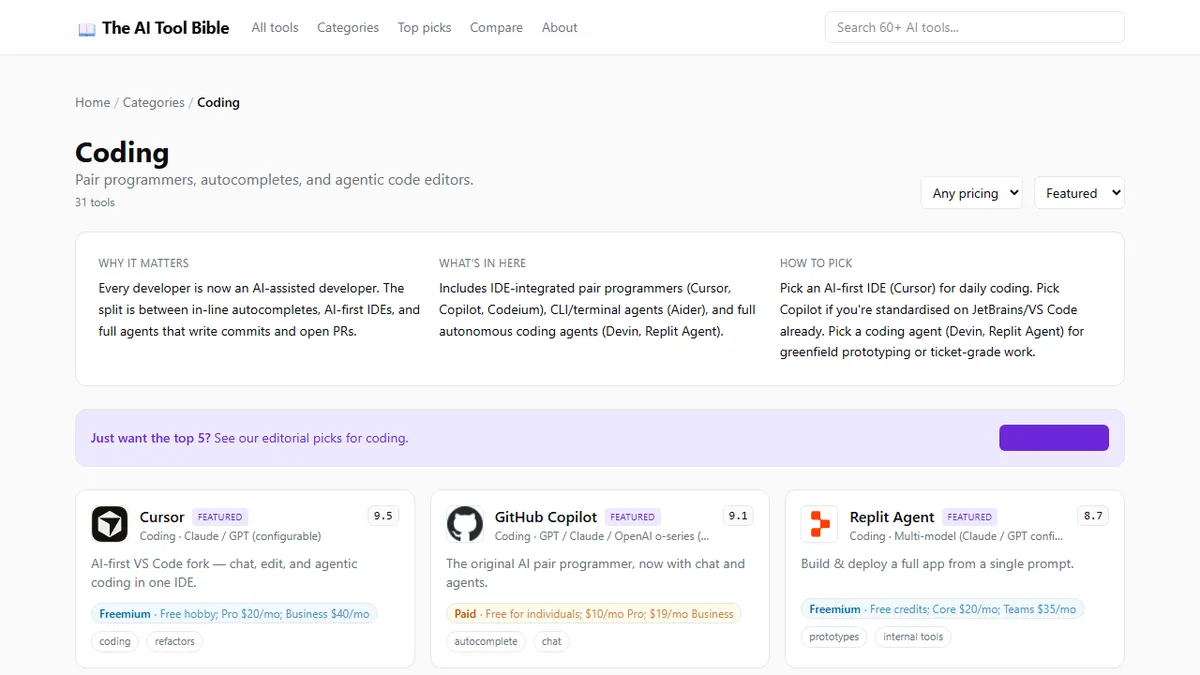
The scored reviews of every major AI coding tool in one place document where each tool's scores fall on capability and maturity, both relevant to understanding why these mistakes happen at the structural level.
Mistake 1: Treating Autocomplete Output as Reviewed Code
The most widespread and costly mistake is committing AI-generated code without the same code review standard applied to human-written code. This seems obvious when stated, but the behaviour is surprisingly common. Autocomplete suggestions appear inline, they match the surrounding syntax, they often look exactly right, and the mental model for code review does not automatically kick in the way it does when you read a colleague's pull request.
AI models generate plausible code, not necessarily correct code. The distinction matters most in three scenarios: security-sensitive paths (input validation, authentication, authorisation), integrations with APIs that change frequently, and business logic that depends on domain rules the model cannot infer from context. A suggestion that compiles and passes unit tests can still introduce a subtle security bypass or a business logic error that only surfaces in production.
The fix is a deliberate habit change: treat every AI-generated code block as a colleague's first draft, not as something you authored. Read it; understand it; question it. The speed gain from autocomplete is real — but only if the accepted suggestions are actually correct.
Mistake 2: Using an Agent for Tasks That Need a Human in the Loop
Autonomous coding agents (Devin, Replit Agent, and similar tools) are genuinely impressive at greenfield, self-contained tasks. Spin up a new microservice, scaffold a CRUD API, convert a design mockup to a component. For those jobs, the agent's ability to plan and execute without constant input is a clear productivity win.
The mistake is extending that trust to tasks with ambiguous requirements, complex dependencies, or consequences that are hard to reverse. An agent given access to a production database with vague instructions about "cleaning up stale records" has enough autonomy to cause significant data loss. An agent tasked with refactoring a core module without a comprehensive test suite can introduce regressions across a large surface area before any human sees the changes.
The practical rule: if you would not let a junior developer execute this task end-to-end without check-ins, do not let an agent do it unsupervised. Define the scope tightly, give the agent a specific output to produce, and review before applying.
Mistake 3: Routing Every Task to the Same Model
Most AI coding tools now offer some form of model selection: Cursor lets you choose explicitly; Copilot has expanded its model roster; even simpler tools offer fast and thorough modes. The mistake is treating model choice as a one-time setup decision and routing every task to the same model regardless of what the task actually requires.
Fast, cheaper models (GPT-4o-mini, smaller Sonnet tiers) handle tab completion, docstring generation, and variable name suggestions well, with lower latency and cost that does not degrade the experience. Routing those tasks to a heavier, slower model is waste: you will wait longer for completions and burn through token budgets on trivial suggestions.
Conversely, routing complex architectural questions, multi-file refactors, or debugging sessions that require reasoning across a large codebase to the cheapest available model produces suggestions that look plausible and are subtly wrong. The model is not equipped for the context depth required.
The discipline is simple: fast models for rote completion, frontier models for reasoning-intensive tasks. Most tools support this routing natively. The question is whether you are using it.
Mistake 4: Skipping Free Alternatives When Copilot's Price Is Not Justified
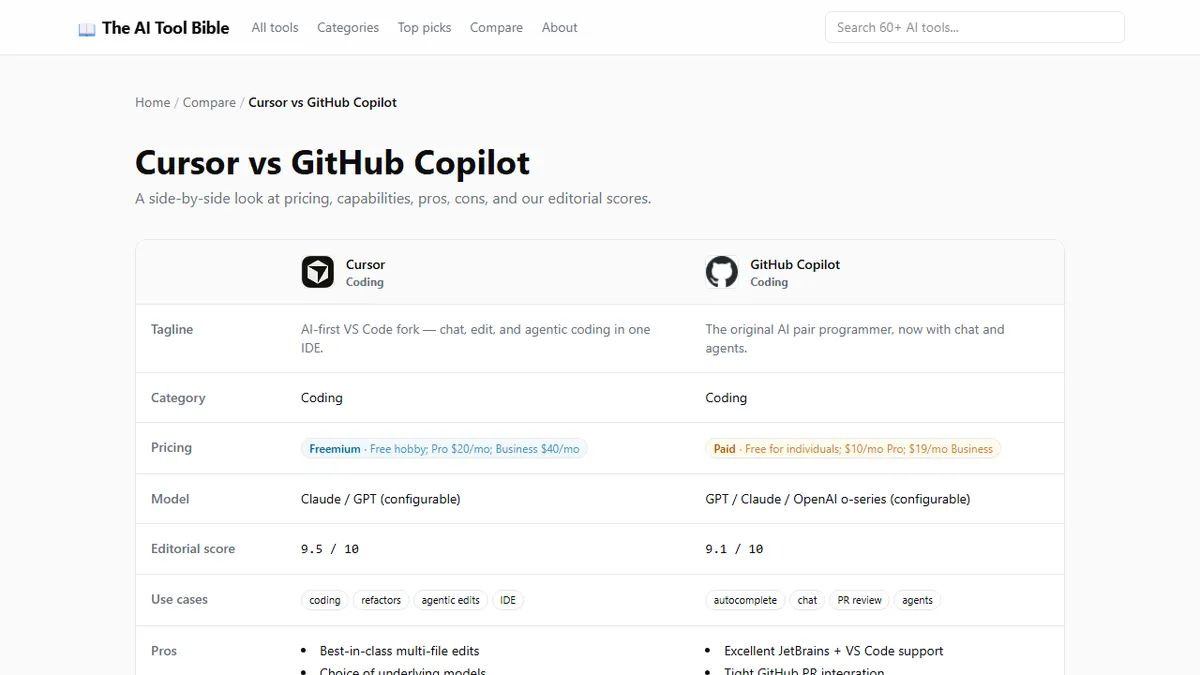
GitHub Copilot at USD 19 per month is reasonable for engineers at companies that pay for it, or for productive freelancers who generate clear value above the cost. But for students, learners, and developers at early-stage companies managing tight tooling budgets, the reflex to default to Copilot without evaluating alternatives is a mistake.
Codeium and Tabnine both offer free individual tiers with meaningful capability. Codeium's free plan provides unlimited completions across most editors (including VS Code, JetBrains, and Neovim) with no usage caps. Tabnine's free tier covers basic local completions and is particularly strong on Java and Python workflows. Neither matches Copilot on the frontier model backend, but both deliver enough productivity lift to justify evaluation before committing to a paid subscription.
The broader point is that the AI coding tool landscape has enough breadth that price tiers cover genuine quality differences, and the right choice depends on your actual usage volume and workflow, not on which tool has the highest brand recognition.
Mistake 5: Not Measuring the Productivity Delta Before Committing to a Paid Tier
This is the least dramatic mistake but the most financially wasteful. Developers subscribe to AI coding tools because the demo is compelling, a colleague recommended it, or a product announcement created excitement. They use the tool for a month, feel vaguely more productive, and renew. What they almost never do is measure whether the tool is delivering the productivity improvement that justified the cost.
The measurement does not need to be rigorous to be useful. Counting the number of AI-generated completions accepted per day over two weeks, estimating the time saved per accepted suggestion, and multiplying gives a rough productivity delta. Comparing that delta against the monthly subscription cost answers the question: is this tool cost-positive for my actual workflow?
For developers who write a lot of boilerplate (React components, database migration files, test cases), high-volume completion tools return obvious value quickly. For developers who spend most of their time on architecture, design, and debugging (work that involves less mechanical text production), the productivity delta may be smaller than expected, and the decision to upgrade to a higher tier less obvious.
A One-Week Self-Audit for Any Developer's AI Coding Setup
Set a timer for the first five working days. At the end of each day, note three things: which AI suggestions you accepted without modification, which you accepted with changes, and which you rejected entirely. Track which tasks prompted you to switch model or invoke an agent versus handle manually.
After five days, the pattern usually becomes clear. You will see which tool you are using, which features you ignore, and which tasks you still solve without AI involvement. That audit produces more honest information about your actual AI coding setup than any benchmark comparison, and it points directly to the adjustments (model choice, tool upgrade or downgrade, workflow habit changes) that would improve your specific situation.