On this page
Decide what you need to verify
Before running a downloaded executable, write down the release tag, filename and expected publisher. Verification is a sequence of checks with different meanings. A matching digest, a valid signature and a provenance statement answer different questions.
| Check | What you compare | Limit to retain in your notes |
|---|---|---|
| SHA-256 | Downloaded bytes against an expected digest | The digest's source also needs trust |
| Signature | File and bundle against an expected identity and issuer | A valid signature does not establish that software is harmless |
| Attestation | Subject digest, workflow identity and statement contents | Read what the workflow actually did |
These distinctions follow Sigstore's verification documentation and GitHub's artifact-attestation documentation.
Make the checks repeatable
Recorded example: a package digest match
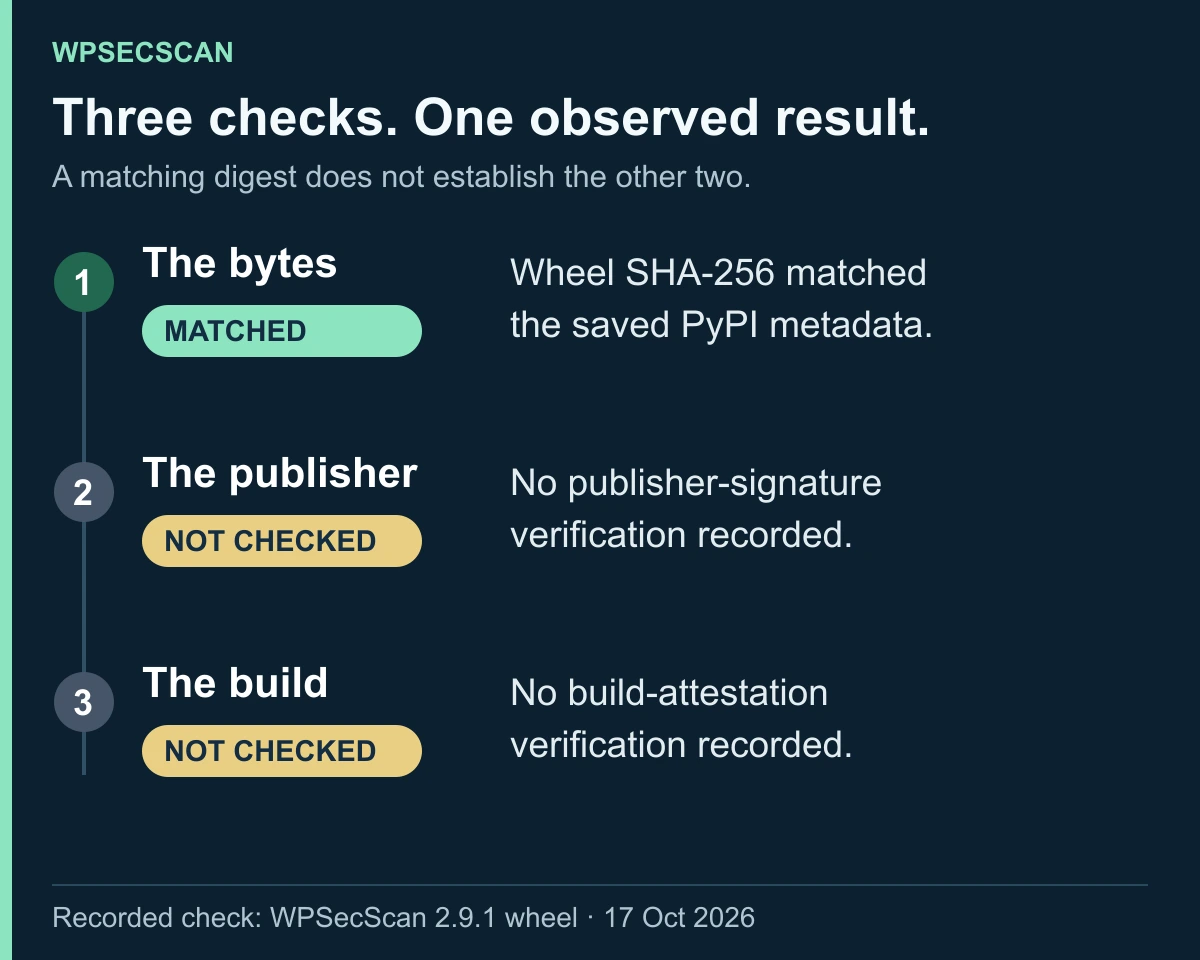
On 17 October 2026, the downloaded wpsecscan-2.9.1-py3-none-any.whl matched the SHA-256 published in PyPI's metadata for that exact version:
09490f0f67020c3cfbd2907c82c0bca0c84ccf1d0a8b2919b283e9c4d0becbb1
This recorded result establishes a match with that registry digest. It does not verify a publisher signature, a source-to-build relationship or the Windows executable. Those checks were not performed in this example. To reproduce the digest comparison on Windows after downloading the same wheel, run:
Get-FileHash -Algorithm SHA256 .\wpsecscan-2.9.1-py3-none-any.whl
Compare the complete value with the registry metadata, not just the prefix. Treat the metadata's origin as part of the trust decision.
Create an empty working directory and select one release from the project's official repository. Download the executable, its checksum information and the corresponding verification bundle. Use matching files from the same tag. Keep the exact commands and their output in a text file, including failures.
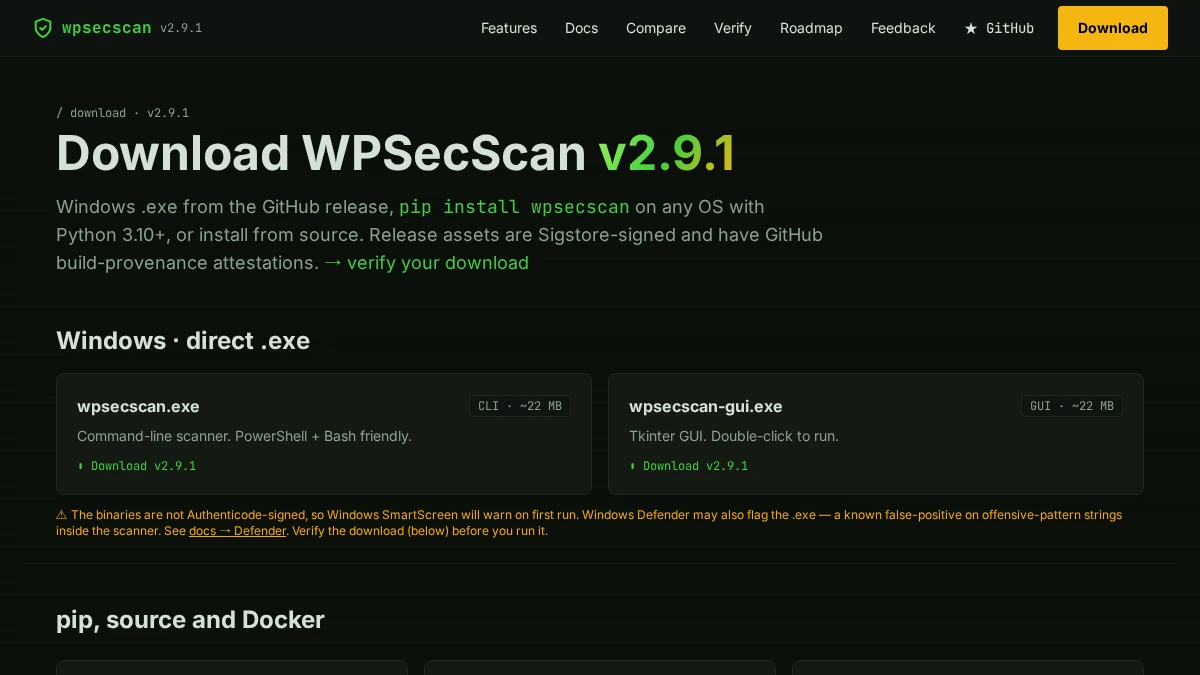
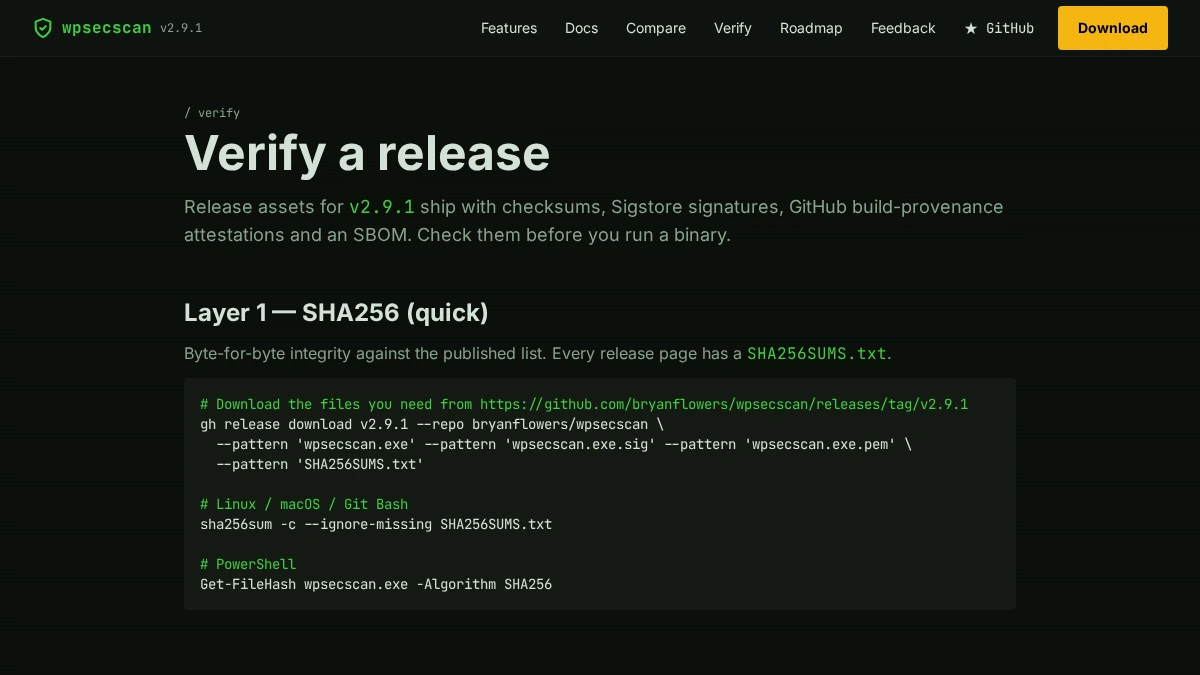
For WPSecScan, use the commands on its current verification page. Check the expected repository and workflow identity before running a signature command; a broad identity pattern can accept a signature from a workflow you did not intend to trust. Do not change the expected identity simply to turn a failed check green.
Record these fields after each command: release tag, filename, local SHA-256, expected SHA-256, expected identity, observed identity, issuer, exit code and timestamp. A missing field is a reason to investigate before execution.
Read the build claim carefully
The WPSecScan verification page describes a workflow that downloads already published assets and attests them. That establishes a narrower chain than evidence that a particular source commit was built into the executable. The page also states that its PyInstaller builds are not byte-for-byte reproducible. Do not turn either a signature or that attestation into a claim of a reproducible build or SLSA Level 3 compliance. Project verification scope
Keep a result that another person can inspect
Your finished record should include the commands, complete output and the release files' hashes. Ask a second person to check that the recorded identity and subject match the intended project and artifact. Record a successful check only after observing it. This guide's diagram summarises the recorded digest match; it does not record a signature or attestation check.
If verification fails, preserve the error, confirm that the tag and bundle belong together, and consult the project's release documentation. A failed verification should remain visible in the record until its cause is understood.