Mistake 1: Treating All Coding Assistants as Equivalent
The AI coding assistant market has expanded fast enough that most developers have formed their opinions based on whichever tool they encountered first, a recommendation from someone with a different workflow, or a single viral demo. The result is that many teams are running tools that were not designed for their actual use case and drawing conclusions about "AI coding" from that narrow experience.
The category spans a wide range. At one end are inline autocomplete tools that suggest the next line or function as you type. At the other are autonomous coding agents that can read your entire repository, propose multi-file changes, run tests, and iterate until a task is complete. These are not variations on the same tool; they are different products serving different workflows, with different failure modes, different pricing structures, and different requirements for human oversight.
Starting with a clear statement of what kind of assistance you need (inline suggestion, chat-based generation, or autonomous task execution) will filter your options immediately and save you weeks of trial-and-error evaluation.
Mistake 2: Ignoring Context Window Limits on Long Codebases
Context window size is the single most practically significant technical parameter for coding assistants, and it is the one most often ignored at the evaluation stage. A model with a 16K-token context window cannot read a 50,000-line codebase and make coherent changes that respect the existing architecture. It will write code that works locally but breaks integration, duplicates logic that already exists, or contradicts patterns established elsewhere in the project.
The threshold matters differently depending on file size, language verbosity, and how much context any given task requires. A developer working primarily on standalone scripts has minimal exposure to this problem. A developer maintaining a large TypeScript monorepo hits it constantly.
Before committing to a tool, establish the average size of the context you need to pass for your typical tasks. That number should fit comfortably inside the tool's advertised limit, not press against the ceiling, where degradation in attention and coherence begins to manifest.
Mistake 3: Confusing an IDE Plugin with an Autonomous Coding Agent
This confusion leads to the most consequential mismatches between expectation and outcome. An IDE plugin (GitHub Copilot in its standard form is the clearest example) suggests code at the cursor position in response to what you are currently writing. It does not understand the broader task, maintain state between sessions, or take actions beyond inserting text.
An autonomous coding agent — tools operating in agentic mode, or dedicated products built around that paradigm — can be given a task description and will then read relevant files, write changes across multiple locations, execute commands, run tests, and report results. The experience is categorically different, and so are the risks: an agent that misunderstands a task can make changes across dozens of files before you notice.
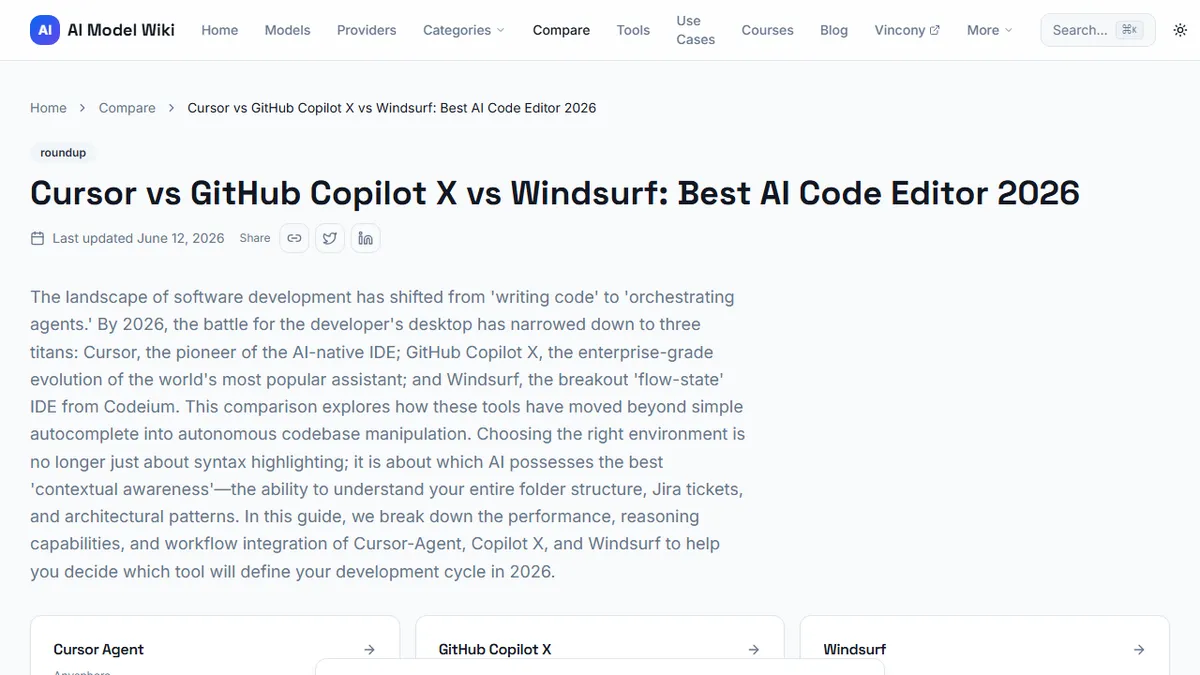
The side-by-side comparison of Cursor, Copilot, and Windsurf illustrates exactly where these products sit on the assistance-to-autonomy spectrum and what that means in practice.
Mistake 4: Not Testing on Your Actual Stack Before Paying
AI coding tools are evaluated most commonly against toy projects or popular frameworks that the underlying models have seen extensively in training. Performance on a React tutorial repository says very little about how a tool will perform on your Django application with a custom ORM layer, a legacy Perl codebase, or a proprietary domain-specific language.
The honest evaluation is to run a free trial against a real project from your actual work. Pick three or four tasks that represent the kinds of requests you make most often (refactoring a function, explaining an unfamiliar section, adding a feature to an existing component) and score the outputs on accuracy, relevance, and the amount of rework they required.
This is not a high-cost evaluation. Most tools offer trials sufficient to complete this test. The cost of skipping it is a paid subscription to a tool that underperforms your expectations for the specific work you do.
Mistake 5: Overlooking Privacy and Data Retention Policies
Code frequently contains sensitive material: API keys, customer data structures, proprietary business logic, and security-relevant implementation details. Sending that code to a third-party AI service means transmitting it to an external system, and the terms governing what that system does with it vary significantly between providers.
The relevant questions are: Is the code used to train future models? Is it stored, and for how long? Is it accessible to the provider's employees? What happens in the event of a data breach? How does this interact with the IP ownership clauses in your client contracts?
Enterprise tiers of most major tools offer stronger data handling commitments, but they cost more. Self-hosted or locally-run models eliminate the transmission question entirely. Understanding which category your work falls into should be an early evaluation step, not an afterthought discovered after you have already sent several sensitive repositories to a cloud API.
Mistake 6: Skipping the Benchmark That Matches Your Task (SWE-bench vs HumanEval)
Developers evaluating coding tools often reach for HumanEval scores because they are widely published and easy to find. HumanEval measures how well a model writes standalone Python functions from docstring descriptions. If your work involves writing standalone Python functions from scratch, HumanEval is exactly the right signal.
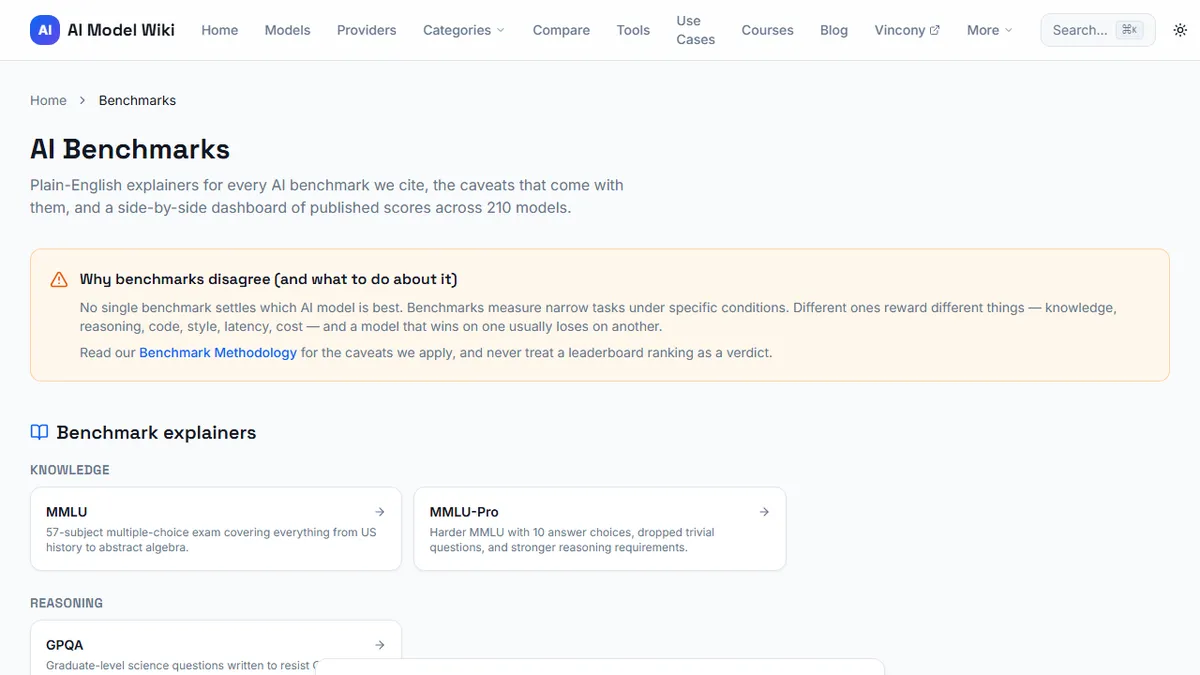
Most professional software development does not. Most professional work involves modifying existing code, navigating complex dependencies, fixing bugs in systems you did not write, and making changes that satisfy conditions spread across multiple files. SWE-bench Verified measures exactly this: the ability to resolve real GitHub issues in real repositories. Consulting the SWE-bench Verified scores across coding models before evaluating tools gives you a signal that maps directly onto the kind of reasoning your tasks require.
The benchmark you should weight most heavily is the one that most closely resembles your actual job.
Mistake 7: Locking Into One Model When Routing Saves Money
The final mistake is treating the choice of coding tool as a permanent decision rather than an ongoing configuration. The model landscape changes rapidly, and the best model for code generation today may not be the best model in six months. More practically, different tasks within a single workflow may be best served by different models even today.
Code completion on simple, local tasks is a job well-suited to a fast, cheap model running locally. Complex architectural reasoning or multi-file refactoring benefits from a larger, more capable model even if it costs more per request. Many teams that started with a single-model approach have found that routing different task types to different models — sometimes through the same interface — meaningfully reduces cost without sacrificing quality on the tasks that genuinely require premium capability.
Building flexibility into your tooling setup from the start is not complexity for its own sake; it is insurance against vendor lock-in and an opportunity to optimise costs as the market continues to evolve.