On this page
The Problem With the Average Freelancer's AI Setup
Ask a freelancer to list the AI tools they are currently paying for and you will typically get a list of four to six products, at least two of which overlap significantly in what they do. A writing assistant and a general-purpose LLM. A dedicated research tool and a chatbot that can search the web. An image generator bundled with a design suite they barely open.
The pattern emerges because freelancers adopt tools reactively: a peer mentions something useful, a newsletter runs a promotion, a client asks if you use a specific tool. Over time, the subscriptions accumulate without a deliberate evaluation of what each one contributes that the others do not. The monthly total quietly passes fifty dollars, then eighty, without any single moment where the decision felt significant.
The alternative is a stack designed backwards from your actual output requirements — what you produce, for whom, and at what volume — and built forward from there. The result is typically fewer tools, lower monthly spend, and better coverage of the tasks that actually generate revenue.
Step 1: Audit the Jobs You Actually Need AI For
Before choosing any tool, spend thirty minutes cataloguing the recurring tasks in your workflow where AI would save time or improve output quality. Be specific: not "writing" but "drafting client proposals," "repurposing blog posts for LinkedIn," and "writing product descriptions from a brief."
The categories that reliably emerge for most freelancers are: text generation (drafting, editing, repurposing), research and synthesis (summarising sources, fact-checking, competitive analysis), visual asset creation (images, illustrations, infographics), audio (narration for videos, transcription, audio cleanup), and workflow automation (connecting tools, routing repetitive tasks).
Not every freelancer needs tools in all five categories. A freelance developer has minimal need for image generation; a freelance videographer has minimal need for text generation at scale. The audit reveals which categories your work actually touches, and that determines your required stack depth.
Step 2: Anchor on One Core LLM Before Adding Specialised Tools
The most common structural mistake in freelancer AI stacks is adding specialised tools before establishing a strong core text and reasoning tool. Most specialised tools for writing, research, summarisation, and content generation are wrappers around the same underlying models that you could access directly, often at lower cost and with more control.
A single high-quality LLM subscription with strong context handling will cover text drafting, research synthesis, editing feedback, client communication, code review, and basic workflow advice. That one tool, used well, eliminates the need for several narrower products that address the same underlying capability.
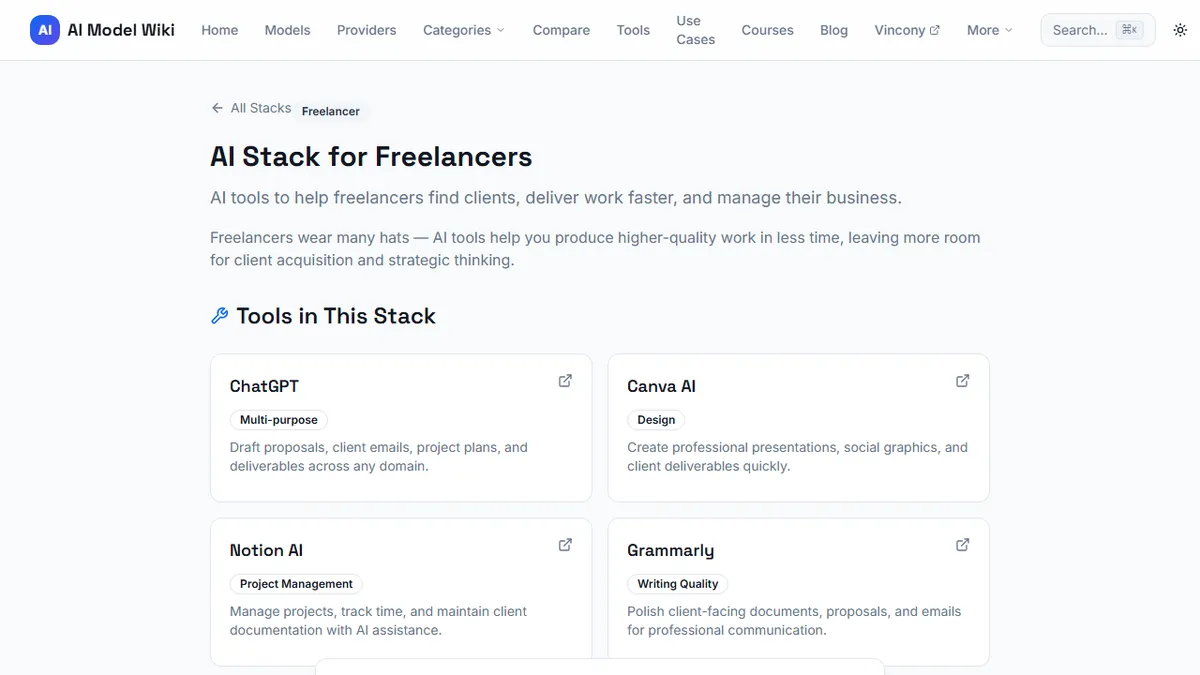
The recommended AI tool stack for freelancers identifies which core LLM tends to produce the best results by freelance role, accounting for differences in output style, instruction-following quality, and whether the tool offers web search capabilities built in.
Step 3: Choose Image, Audio, and Video Tools by Output Format
Specialised media tools should be chosen based on the specific output format your clients expect, not based on general reputation. An image generator celebrated for photorealistic outputs may be the wrong choice for a designer whose clients need consistent brand illustrations in a flat graphic style. An audio tool with excellent voice cloning may be irrelevant to a podcaster who only needs transcription.
For each media category in your audit, identify one representative output you regularly produce and test candidate tools against that specific output. Quality in the general sense is less important than fitness for your particular format. A narrow evaluation like this takes less time than reading reviews and delivers more relevant signal.
Budget allocation within the stack should also follow this logic: spend proportionally to the category's share of your billable work. If images represent 60% of your outputs, that category deserves the largest per-tool allocation. If audio is an occasional need, a usage-based tool that charges per minute of output is more economical than a flat monthly subscription.
Step 4: Add Automation to Chain Tools Together
The compounding value in a well-built stack comes from automation: tools that move outputs from one system to another without manual intervention. A brief that enters your inbox can trigger a research summary, feed into a draft, and queue an image generation job before you have opened your email. That kind of chaining multiplies the effective output of each individual tool.
Automation platforms (Zapier, Make, and n8n are the most commonly used options) connect AI tools to each other and to the project management and communication tools you already use. The relevant question is not whether automation is useful in theory (it always is) but which two or three connections in your specific workflow would save the most time per week.
Start with a single automation that closes an obvious gap. The pattern recognition for where automation adds value compounds quickly once you have built one workflow; you will identify the next one without effort.
Sample Stacks by Freelance Role (Writer, Designer, Developer, Marketer)
Freelance writer: Core LLM with web search, a grammar and style editor, and an AI-assisted outline tool. Total monthly spend of roughly twenty-five to thirty-five dollars covers most text production needs. Research summarisation and repurposing both run through the core LLM, eliminating the need for separate tools.
Freelance designer: Image generation tool suited to the client's preferred aesthetic register, a core LLM for brief interpretation and client communication, and a background-removal or image-editing tool if needed. The design-adjacent AI stack is often smaller than designers expect because most client work still requires creative judgment that current AI tools do not replace.
Freelance developer: Core LLM with strong code generation capability, an IDE-integrated coding assistant, and optionally a local model for sensitive codebases. Automation tooling to connect pull request workflows to documentation and communication.
Freelance marketer: Core LLM for copy drafting and ideation, an image generator for social and campaign assets, a research tool for competitive intelligence, and an automation platform to manage content scheduling pipelines. The interactive AI stack builder tool generates a personalised stack recommendation based on your role, output volume, and budget ceiling.
When to Upgrade and What to Drop First
Stack management is ongoing. The trigger to upgrade a specific tool is a specific recurring gap in output quality or a workflow bottleneck that the current tool creates. Upgrading preemptively — because a newer model was announced, because a peer upgraded, because a newsletter made it sound necessary — produces subscriptions you do not use at tiers above what your work requires.
When trimming, cut the tool with the highest overlap with something else in your stack. Redundant capabilities are the most common source of wasteful spending, and identifying them requires only the same honest audit you completed in step one. Run it again every six months and the stack will stay lean, current, and proportionate to what your work actually demands.